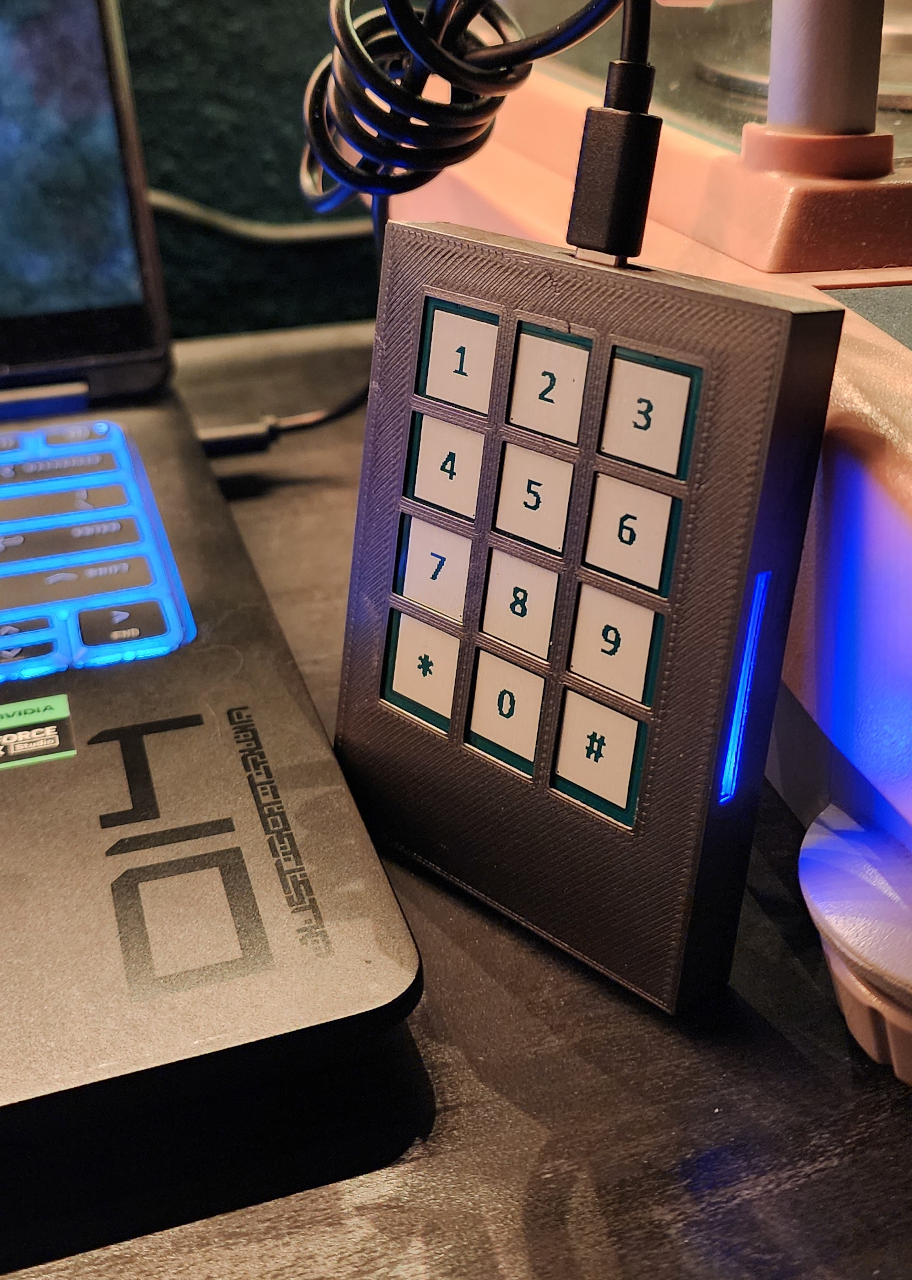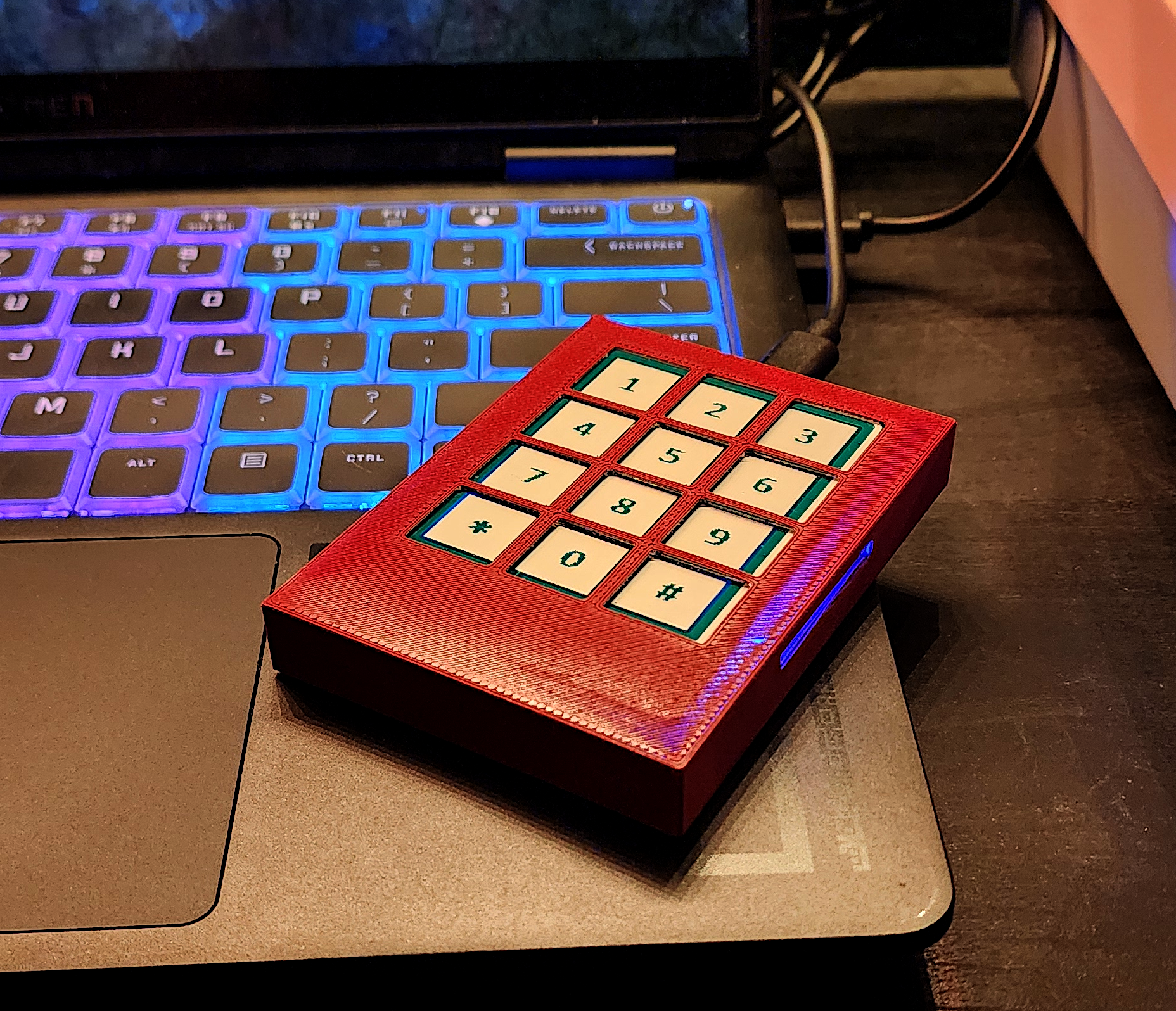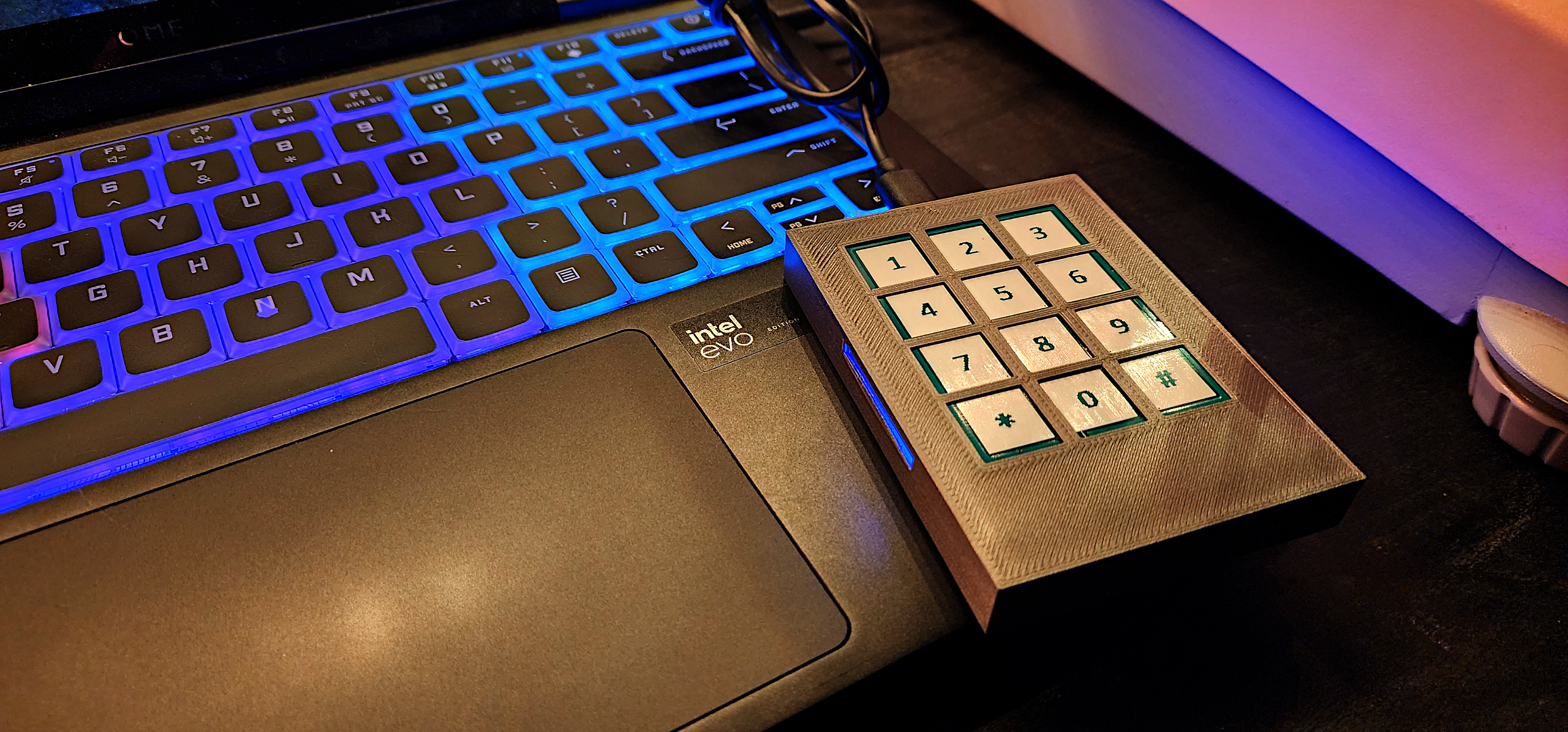
Password security is complex. Researchers have written entire doctoral dissertations on the topic, and even NIST (the National Institute of Standards and Technology) has given flawed password advice over the years. This is technical territory.
The clearest way to explain CipherPod’s strength is through practical scenarios rather than academic papers. What happens if your girlfriend takes your keys while you sleep to unlock your laptop? What if customs agents seize your device at the airport?
CipherPod easily generates passwords strong enough for Top Secret government use. But understand the limits: passwords can still be stolen through malware or data breaches at companies like Home Depot or TJ Maxx. The scenarios below don’t include standard protective measures like account lockout after failed attempts or multifactor authentication, which should always be in place.
Scenarios follow, from basic to advanced. Please note, a few of these scenarios are actually based on current news and really happened, or are inspired by actual IT Security consultation cases. Can you guess which ones they are?
How hard is it to crack my Facebook password?
If your Cipherpod PIN is “12345”, the Cipherpod could then send the password “n95UtJVieUi-Uz” . This is a 91 bit password that would take standard desktop computers at least 100 years to break.
Okay then, what if my possessive girlfriend/boyfriend does try to get into my laptop while I'm asleep?
If s/he knows about the Cipherpod, digs it out of your bag and connects it to your laptop, she still has to get your RFID token from your keychain. If s/he gets your keychain, s/he still has to guess your PIN. They’d better hope you’re a heavy sleeper, there’s absolutely no other way to unlock your machine without all three parts.
What if my roommate tries to get into my computer while I'm at work? I leave my Cipherpod connected to my machine while I'm gone, I have a different one for my work computer.
If you carry RFID key with you on your keychain or in your wallet, they will have to guess your PIN as well as compute a missing 50-256 bit RFID key, which will take upwards of literally thousands of years. At best they have to “hack” your operating system. If your machine uses whole-drive encryption, they will simply never, ever get in.
I'm in a hotel and I leave my laptop but take my bag
After the Las Vegas shooting incident in 2017, hotels no longer provide privacy to their customers. The agreements have been modified to make you agree to room searches if you want to stay at that hotel and search the room they will, from stem to stern. It’s not paranoid to think that they will power up your laptop, tablet or mobile device and poke around.
If you’re carrying your RFID token with you they’d have to “hack” the operating system to get in, there’s no other way. If your laptop is encrypted it’s nothing but a doorstop as far as hotel management is concerned.
I left my bag in the cab! It has everything, my tablet, my Cipherpod and even my housekeys and the RFID fob.
Even if the cab/Uber driver pulls over, knows what a Cipherpod is and knows what your RFID fob is for and how to use it, they still have to guess your PIN. As long as it’s not “1234”, that alone will take them all night (and your tablet will lock your account long before then!).
How do you know China hasn't back doored the hardware?
The CipherPod’s security comes from what’s stored inside: random noise. That’s it. The device and your RFID fobs both contain this static – just junk data. The more random the noise, the harder your passwords are to predict.
The built-in firmware checks if someone has erased this noise (reset it to all zeros). If that happens, the CipherPod flashes red at startup and won’t work.
The CipherPod never connects to the Internet. As long as the device can still do basic math (add and subtract), it works without sending anything to anyone.
What if someone tampers with it?
If you’ve been using your CipherPod normally, but suddenly can’t log into your accounts after a hotel stay abroad, that means the internal noise was changed. You’ll know immediately something’s wrong.
- CipherPod Standard: Replace the device and you can log in again.
- CipherPod Black: Report to your superior officer that you’ve been targeted by a nation-state attack. Return to headquarters for a backup device to restore account access.
Even in this extremely unlikely scenario, the attacker gains nothing since they can’t log into anything without your RFID token and PIN. What they will have tried to do is set the noise on the Cipherpod to something known, but without your RFID token and PIN, it just doesn’t work that way.
So I'm a high profile socialite, I left my ex husband and I'm in the dating pool again. I sent some nudes to someone I'm really hot for but I left my Macbook Pro on the train. Am I ruined?
Depends on the encryption setup:
No FileVault encryption: Yes, serious problem. Anyone who picks up that laptop can access everything. CipherPod doesn’t help if the disk isn’t encrypted.
FileVault enabled, RFID key still with you: You’re probably fine, because without your RFID key, attacker can’t generate your FileVault password. FileVault Resists opportunistic theft and casual attacks so for a random train thief, your data is secure.
But FileVault has limits:
- Vulnerable to DMA attacks via Thunderbolt (older systems)
- Firmware-level attacks possible
- Memory extraction if machine was in sleep mode when lost
- Nation-state adversaries have tools for this
If the US Government or other nation-states want in: Apple’s FileVault won’t stop them. Known attack vectors exist. In the end, Apple’s encryption protects Apple, not their users.
Reality check: High-profile socialite + compromising photos = you’re a target. Consider that laptop gone and change all passwords immediately using different CipherPod PINs per account.
I'm a celebrity. My private photos leaked even though I used CipherPod to secure my Apple account. I'm suing you.
CipherPod creates strong passwords, but like all passwords, they can be stolen.
One of two things likely happened:
- You used the same RFID key and PIN everywhere. If one website gets hacked and your password leaks, attackers can access every account where you reused that combination.
- Malware or phishing stole your Apple password. Once attackers have your login credentials, they download everything from iCloud backups. A strong password doesn’t matter if it’s been stolen.
What would have stopped this:
Multifactor authentication (MFA). That’s a second layer of security beyond your password – like a code sent to your phone. Even if your password leaks, attackers can’t get in without that second factor. Everyone should always use multifactor whenever it’s available.
This is not a “Cipherpod didn’t generate a strong enough password” problem, it’s a “practice safe computing” problem and we demonstrably can’t be liable for that.
I'm a human rights attorney detained at a foreign airport. They're demanding my laptop password and I use CipherPod. What happens now?
When traveling internationally, follow this protocol:
- Leave one RFID key at home
- FedEx another key (signature required) to your destination ahead of time
Why this works:
You can cooperate fully – hand over your PIN, give them the CipherPod device itself. They can make a forensic copy of your laptop and spend years trying to crack it. They’ll fail. And there’s nothing you can do to help them because you don’t physically have the key.
Why CipherPod beats biometrics:
Facial recognition and fingerprints are trivial to bypass at borders. Customs agents can hold up your laptop for a facial scan or force your finger onto the reader. You can’t refuse what your body provides.
Border security reality:
This isn’t theoretical. Foreign customs agents have literally shot laptops over desktop wallpapers they didn’t like. The United States threatens confiscation for 2 weeks “and we’ll break in anyway” if you refuse to unlock – citizen or not. Once unlocked, they copy whatever they want.
What to do:
- Encrypt your devices (MS BitLocker or Apple FileVault is NOT good enough by default)
- Use CipherPod
- Mail yourself the RFID key separately before your trip
What happens now:
Customs gets angry. You miss your flight. They might keep your laptop. You might get it back with a bullet hole, that’s what backups are for (which should also be protected with CipherPod), but there’s no way they’re getting at that data.
I'm a high ranking government official in DC and went out for a burger, when someone just stole my bag off the counter! I lost a rolled-up and untracable wad of thousands in cash, my cellphone and badge, my keys as well as an encrypted hard drive. The Cipherpod was in there, too.
Two concerns here:
1. Using your CipherPod to access your accounts:
Not possible. The thief needs the specific PIN you used for each individual site. Without those PINs, the CipherPod can’t generate your passwords.
2. Decrypting the hard drive:
As a federal worker, you should have CipherPod Black with associated & secured RFID keyfobs.
- If your RFID keyfob is still on you or at your desk: Your data is safe. The thief has a locked drive and can’t decrypt it.
- If you lost the Black RFID keyfob too: The fob is secured and would have to be broken in a nation-state attack. After that, the attacker must guess your 12-26 digit PIN. Assuming you didn’t use something like 1234567890*#, your RFID fob is secure, and the government-configured encrypted drive will erase itself after too many failed attempts.
Using a Cipherpod Black, all systems and devices that set of Cipherpods could access will need to be re-keyed to a new set of Cipherpods, this is standard procedure after critical loss.
I'm a Secret Service agent in New York and my bag was stolen from the open trunk of my official vehicle. This bag contained my laptop with sensitive information including presidential evacuation routes and a list of his personal enemies, how secure is that information now?
Since you’re a government official, you will have been issued a Cipherpod Black and its corresponding RFID key to secure your encrypted government-issued laptop. Assuming you kept your keys in your pocket (or in the ignition…) there is absolutely no way the thief will ever decrypt the laptop. If the Cipherpod is still in your office, all you have to do is report a lost/stolen device to your superiors.
If the Cipherpod Black unit is in the bag with your laptop, the data will remain secure, though it will be necessary to revoke and re-issue new Cipherpod Black units and their corresponding RFID keys. This doesn’t imply credential failure, it’s just standard security procedure after credential loss.
I'm a social media influencer and I bragged about having a huge Bitcoin wallet online. Last night they broke in and held a gun to my head to get to my wallet. I gave them everything including my PIN and my Cipherpod, but my business partner has the RFID key so it wasn't stolen. Did I lose everything? What if they're "hackers", can they "hack" it?
Because you gave the RFID key to your business partner, you’re perfectly fine (trauma aside). It’s absolutely impossible for the thieves to gain access to your Cryptocurrency wallet.
Your biggest problem now is when they come back because they can’t unlock it – you need to disappear for a while and move your residence.
Okay, so here's the deal: my house has been raided (don't ask), my computers confiscated (don't ask). I use a Cipherpod Standard and an unmarked credit card in my wallet for the RFID key. My desktop computer login is 14 characters long and I use a 256 bit password for my 256-bit encrypted external hard drive. I use Microsoft Bitlocker to encrypt my drive. How screwed am I?
Depends on BitLocker configuration.
Default BitLocker (TPM-only): Extremely screwed. TPM auto-unlocks before Windows login. Forensics extracts VMK from memory/TPM. Your Windows login password never entered the equation.
BitLocker with TPM+PIN (non-default): If you used CipherPod for a strong pre-boot PIN, you’re protected. TPM won’t release VMK without correct PIN and has anti-hammering protection against brute force.
BitLocker without TPM (password/USB key only): If you used a CipherPod-generated password then you’re protected. But this configuration is not default and requires manual setup.
Better approach: Don’t use BitLocker for this threat model. Use LUKS or VeraCrypt with a CipherPod-generated password. These require password entry BEFORE boot and are not not tied to the TPM.
If you used CipherPod to generate a true 256-bit password for LUKS/VeraCrypt (or properly configured BitLocker if you must) and used an unmarked credit card in your wallet for the key:
Get a lawyer
Keep your mouth shut
You’ll be fine
Now it sounds like you're supporting criminal activity! What if bad guys get their hands on a Cipherpod, we'll be unable to bring them to justice!
This is based on a logical fallacy – you expect secure banking, yet we catch fraud all the time. You expect your children’s data to be protected (FERPA, COPPA), but we catch hundreds of child predators every year. How about your medical records (HIPAA), those are secured by federal mandate yet health and medical fraud is also caught.
How about the company you work for? They hire whole teams of security staff and purchase hundreds of thousands of dollars worth of security equipment, so what about your house? You’re stuck with a password you can remember, the wireless password probably written on the ‘fridge. This is why personal accounts are stolen hundreds of times more often than corporate credentials.
Criminal enterprises are businesses too, you’re not going to compromise their credentials. US Citizens have the 5th Amendment, which states that the courts can’t rifle through your stuff to find things to charge you with, they’re required to provide evidence of guilt first.
Cipherpod puts citizens on equal footing with corporations and our own government. Could it be abused? Sure, but that’s no different than any website on the Internet or even your own car.
Okay, let's talk elegant attacks - how about Lest We Remember to scrape the decryption password out of RAM?
The Lest We Remember / “Cold Boot” attack can extract decryption keys from active memory, which is why when traveling or storing your laptop/tablet/digital device, you want to power it down completely instead of tell it to “sleep”.
Cipherpod quickly and easily generates powerful passwords – it doesn’t stop attacks against the operating system or the underlying encryption technology.
Nation States have been attacking entropy lately to compromise encryption, is Cipherpod resistant to these attacks?
If you use a strong 256 bit cipher and your password is “password1!”, then the encryption doesn’t matter. By that same token, if your encryption cipher is back doored or falls victim to an Intel / AMD entropy bug (which exists), then you can use a 256 bit complex password but it won’t matter.
Cipherpod quickly and easily generates powerful passwords with a guaranteed strong entropy seed – it doesn’t fix bugs in encryption software.